Computer
Keyboard and Mouse
Learning Objectives
- Know the parts of a keyboard and what they do.
- Identify important keys: letters, numbers, Space, Enter, Backspace.
- Know the parts of a mouse and how to use it.
- Understand left click, right click, and scroll.
Let Us Begin!
When Meena types her name on the computer, she uses the keyboard. When she wants to open a game, she moves the mouse and clicks on it. The keyboard and mouse are the two most important tools we use to talk to a computer.
They are called input devices because we use them to give information and instructions to the computer.

The Keyboard
A keyboard has many keys arranged in rows. Here are the important groups of keys:
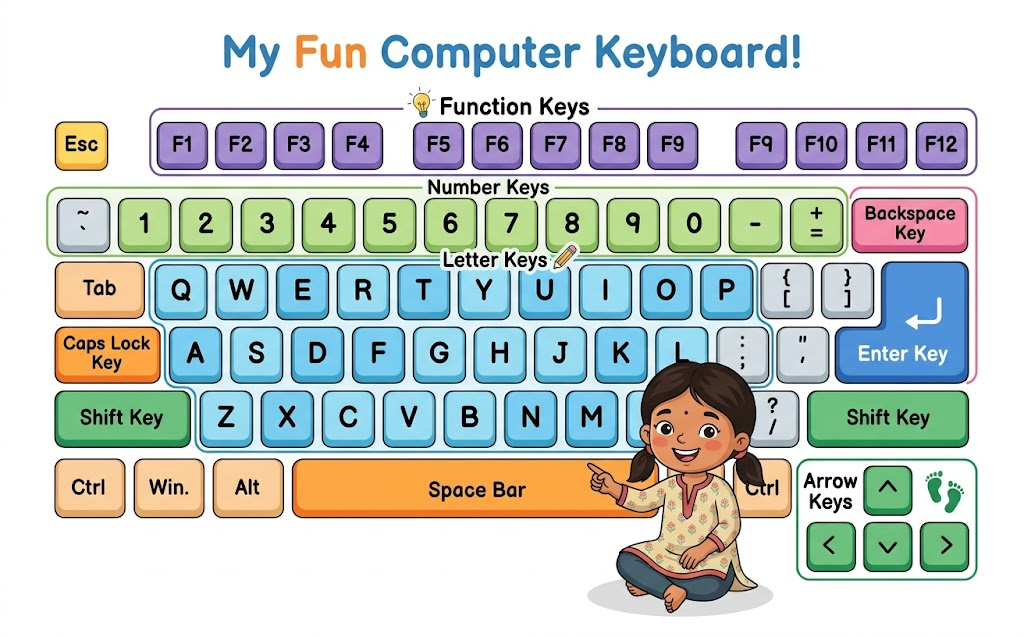
| Key / Group | What it does |
|---|---|
| Letter keys (A–Z) | Type letters to write words and sentences |
| Number keys (0–9) | Type numbers |
| Space bar | The long key at the bottom — adds a space between words |
| Enter key | Starts a new line or confirms an action |
| Backspace key | Deletes the letter to the left of the cursor |
| Shift key | Makes letters capital (UPPERCASE) |
| Caps Lock key | Locks all letters in UPPERCASE until pressed again |
| Arrow keys | Move the cursor up, down, left, right |
The Space bar is the longest key on the keyboard. Can you find it? It is at the very bottom in the middle.
The Mouse
A mouse has two buttons and a scroll wheel. We place it on a flat surface called a mouse pad and move it to control the pointer on the screen.
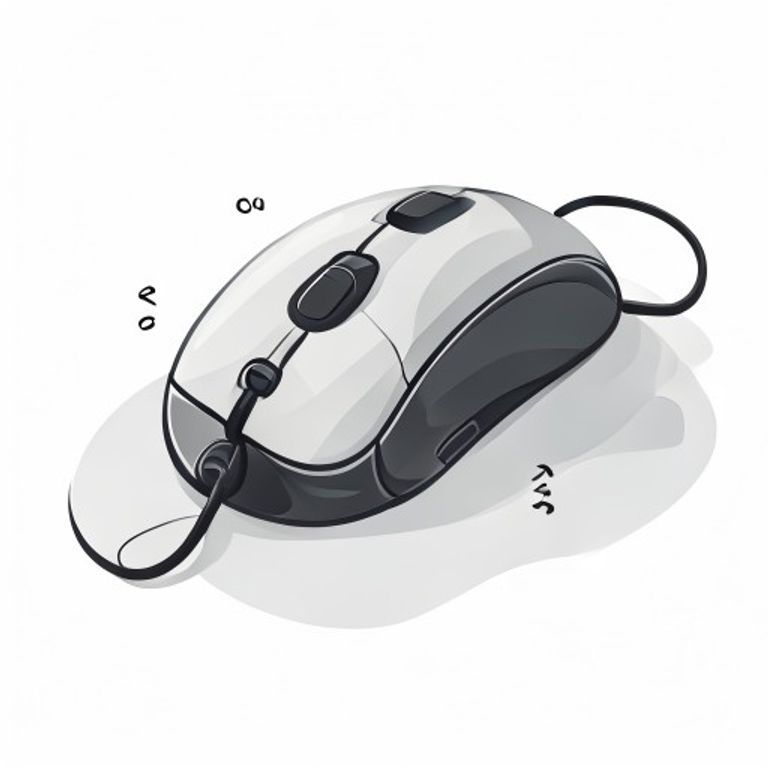
| Action | How to do it | What it does |
|---|---|---|
| Left click | Press the left button once | Selects an item or opens a file |
| Double click | Press the left button twice quickly | Opens a program or file |
| Right click | Press the right button once | Opens a menu with options |
| Scroll | Roll the wheel in the middle | Moves the page up or down |
| Drag | Hold left button and move mouse | Moves an item on the screen |
Key Words
| Word | Meaning |
|---|---|
| Input device | A device used to give information to the computer (keyboard, mouse) |
| Cursor | The blinking line or arrow on screen that shows where you are |
| Click | Pressing a mouse button |
| Scroll | Moving up or down a page using the mouse wheel |
| Mouse pad | A flat surface on which the mouse is moved |
⭐ Key Points to Remember
- The keyboard and mouse are input devices.
- The Space bar adds spaces between words. Enter starts a new line. Backspace deletes.
- Shift makes letters UPPERCASE.
- Left click selects. Double click opens. Right click shows options. Scroll moves the page.
- The mouse controls the pointer on the screen.
Finished learning? Now test what you know!